Missed the First MTD Quarterly Update Deadline? What to Do Next
Missed the 7 August 2026 MTD deadline? Find out whether a penalty applies, how to submit your late quarterly update and what to do next.
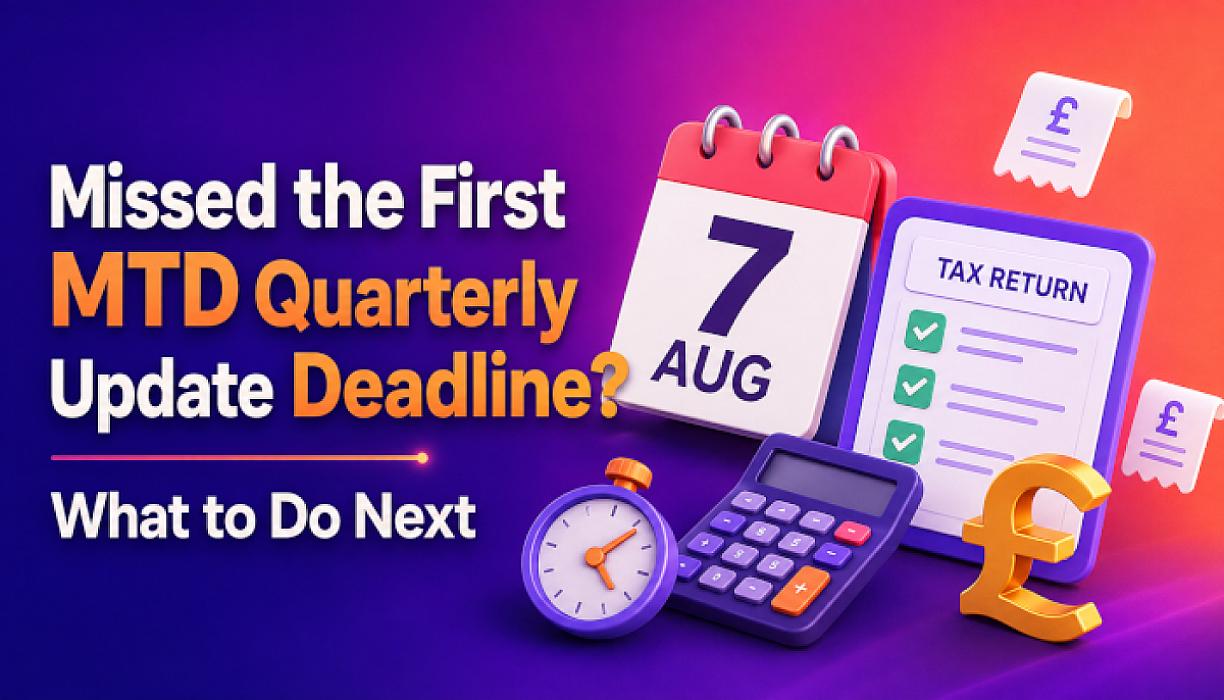
The first Making Tax Digital for Income Tax quarterly update was due by 7 August 2026.
If you are a sole trader or landlord who missed the deadline, the most important point is this:
You should submit your quarterly update as soon as possible, but HMRC will not issue penalty points for late quarterly updates during the 2026/27 tax year.
This first-year concession does not remove your Making Tax Digital obligations. You must still keep digital records and submit all the required quarterly updates before you can complete your 2026/27 tax return.
What was the first MTD deadline?
For most people, the first quarterly update covered income and expenses recorded between:
- 6 April and 5 July 2026 under the standard update periods; or
- 1 April and 30 June 2026 if calendar update periods were selected.
Both update periods had the same submission deadline of 7 August 2026.
The quarterly update should have been sent to HMRC using recognised Making Tax Digital-compatible software.
Will HMRC fine you for missing the first MTD deadline?
For people required to use Making Tax Digital from April 2026, HMRC has confirmed that there are no penalty points for missing a quarterly update deadline during the 2026/27 tax year.
Therefore, if you missed the 7 August 2026 deadline, you should not receive a penalty point or an immediate £200 penalty for that late quarterly update.
However, this does not mean you can ignore the deadline indefinitely.
You still need to:
- maintain the required digital records;
- submit the late quarterly update;
- send the remaining quarterly updates;
- complete your year-end information; and
- submit your tax return through compatible software.
HMRC’s first-year concession applies to quarterly updates. Normal penalties can still apply if you submit your annual tax return late or pay your tax bill after the relevant payment deadline.
You can read the current rules in HMRC’s guidance on MTD penalties.
Who was required to meet the 7 August deadline?
You should normally have started using Making Tax Digital for Income Tax from 6 April 2026 if:
- you are registered for Self Assessment;
- you receive income from self-employment, UK property or foreign property; and
- your total qualifying income for 2024/25 was more than £50,000.
Qualifying income generally means your gross income before expenses from self-employment and property.
For example, if you had £35,000 in gross sole-trader income and £20,000 in gross rental income, your combined qualifying income would be £55,000. You could therefore fall within MTD even though neither source exceeded £50,000 by itself.
Employment income, dividends and pension income do not normally count towards the MTD qualifying income threshold.
HMRC may have written to tell you that you needed to join. However, not receiving a letter does not automatically mean that MTD does not apply. It remains your responsibility to check.
Read our guide explaining how HMRC combines landlord and sole-trader income for MTD.
What should you do after missing the deadline?
1. Check whether MTD applies to you
Start by checking your 2024/25 Self Assessment tax return.
Review the gross income reported from:
- each sole-trader business;
- UK rental property; and
- foreign property income included on your return.
Your allowable expenses and taxable profit are not normally used when checking the £50,000 threshold. It is generally the qualifying income before expenses that matters.
You should also check whether an automatic or application-based exemption applies to your circumstances. HMRC provides an official MTD eligibility and start-date guide.
2. Sign up if you have not already done so
If you were required to use MTD but did not sign up, you should take action now.
You can sign up yourself, or an authorised accountant can sign you up and deal with the submissions on your behalf.
Signing up requires more than simply having a Government Gateway account. Your MTD registration must be connected to compatible software before a quarterly update can be submitted.
HMRC has announced that it will begin signing up customers who should already be using MTD but have not enrolled, in stages from September 2026. Signing up yourself allows you to check that your details and income sources are recorded correctly before HMRC contacts you.
Use the official HMRC service to sign up for MTD for Income Tax.
3. Choose and authorise compatible software
Quarterly updates cannot normally be sent through the traditional Self Assessment online service. You need software that works with MTD for Income Tax.
Depending on your circumstances, this may be:
- cloud accounting software;
- bookkeeping software;
- landlord accounting software; or
- a spreadsheet connected to suitable bridging software.
Before paying for a subscription, check that the software supports MTD for Income Tax, not only MTD for VAT.
If you already use accounting software, confirm that the correct business and property income sources have been connected to HMRC.
Our Making Tax Digital accountants can help you check the requirements, organise your records and select suitable software.
4. Bring your digital records up to date
Your first update must be based on digital records covering the relevant period from the beginning of the tax year.
Depending on your work or rental activity, you may need to record:
- sales and self-employed income;
- platform or card-payment income;
- cash received;
- rental income;
- business purchases;
- property expenses;
- mileage or vehicle expenses;
- software and subscription costs;
- bank charges; and
- other allowable business expenses.
Check the figures against your business bank account, invoices, sales platforms, tenancy records and receipts. This can help identify missing or duplicated transactions before the update is submitted.
If you signed up after the beginning of the tax year, you still need to create digital records from the start of your relevant MTD period.
5. Submit the late update as soon as possible
Once the records are ready and the software is authorised, submit the first quarterly update through the software.
A quarterly update is not a completed tax return. It provides summary figures taken from your digital records, and you do not normally need to make year-end accounting or tax adjustments before sending it.
After submitting, keep the software confirmation or submission receipt. Do not assume that the update has been accepted simply because you pressed the submission button.
What if the figures are not completely correct?
Do not knowingly submit figures that you believe are false or misleading. However, a quarterly update does not require every year-end adjustment to have been completed.
If you later discover that you:
- missed an item of income;
- entered an expense twice;
- used the wrong category; or
- recorded an incorrect amount,
you should correct the underlying digital record. Where a correction is made during the tax year, HMRC explains that it will normally be reflected when the next quarterly update is submitted.
This is another reason to maintain the records throughout the year instead of reconstructing everything immediately before a deadline.
When are the remaining MTD deadlines?
The quarterly update deadlines for the 2026/27 tax year are:
| Quarterly update | Submission deadline |
|---|---|
| First update | 7 August 2026 |
| Second update | 7 November 2026 |
| Third update | 7 February 2027 |
| Fourth update | 7 May 2027 |
Missing the first deadline does not change the remaining deadlines. After submitting the late update, you should immediately begin preparing for the second deadline on 7 November 2026.
Your 2026/27 annual tax return will then need to be submitted through MTD-compatible software by 31 January 2028.
Remember that your separate Self Assessment return for 2025/26 will normally still be due by 31 January 2027.
Do you have to pay tax when submitting a quarterly update?
Submitting a quarterly update does not create a new quarterly Income Tax payment deadline.
Your software may show an estimated tax calculation after an update, but this is only an estimate based on the information available at that time. The final calculation may change after other income, allowances, reliefs and year-end adjustments are included.
Your usual Self Assessment payment deadlines still apply.
What happens if you continue to do nothing?
Although there are no penalty points for late quarterly updates during 2026/27, leaving the matter unresolved can create further problems.
You may:
- fall behind with several reporting periods;
- receive reminders or correspondence from HMRC;
- have difficulty reconstructing missing records;
- be unable to submit your 2026/27 tax return until the updates are completed; and
- face penalty points for missed quarterly deadlines in later tax years.
From the 2027/28 tax year onwards, a person who is required to use MTD may receive a penalty point for each late quarterly update. Once the four-point threshold is reached, HMRC can issue a £200 penalty. Further penalties can follow while the taxpayer remains at the threshold and continues missing deadlines.
Correcting the first missed update now is therefore better than allowing the problem to continue.
Can you apply for an MTD exemption after missing the deadline?
Some people may qualify for an exemption, including those who cannot reasonably use digital tools because of age, disability, remoteness, religious beliefs or another qualifying reason.
An exemption is not automatic merely because:
- you do not understand accounting software;
- you prefer paper records;
- software has an additional cost; or
- you missed the first deadline.
HMRC considers the person’s individual circumstances. You should not simply stop submitting updates while assuming that an exemption will be granted.
Check the official HMRC guidance on MTD exemptions or seek advice before applying.
Frequently asked questions
Can I still submit the first MTD update after 7 August 2026?
Yes. You should submit the outstanding update through compatible software as soon as your digital records are ready.
Will I receive a £200 penalty for missing the first MTD deadline?
People required to use MTD from April 2026 will not receive penalty points for late quarterly updates during 2026/27. However, the outstanding update must still be submitted.
What if I have not signed up for MTD?
If MTD applies to you, sign up now and connect compatible software. You will then need to create the required digital records and submit the missed update.
Does a quarterly update replace my tax return?
No. You must still submit an annual tax return after the end of the tax year. MTD changes how records and information are provided to HMRC during the year, but it does not remove the annual return.
Do I need an accountant to submit an MTD update?
You are not required to use an accountant. You can manage MTD yourself using compatible software. An accountant can help where you have several income sources, incomplete records, property income, bookkeeping problems or uncertainty about whether the rules apply.
Can Gondal Accountancy submit a late MTD update for me?
Yes. We can check whether MTD applies, help organise your digital records, assist with registration and software, and prepare the outstanding quarterly update.
Need help catching up with MTD?
If you missed the first quarterly update deadline, take action before the next deadline arrives.
Gondal Accountancy supports sole traders and landlords in Birmingham and across the UK with:
- MTD registration;
- compatible accounting software;
- digital bookkeeping;
- quarterly updates;
- landlord and sole-trader accounts; and
- annual Self Assessment tax returns.
Contact Gondal Accountancy or call 0121 439 9760 to discuss your MTD position.
This article was updated on 16 August 2026 and provides general information only. Tax treatment depends on individual circumstances, and HMRC rules and guidance may change.
Disclaimer
The content of this blog is provided for general information purposes only and should not be treated as tax, accounting, legal or financial advice. Tax rules, accounting requirements, legislation, regulations and official guidance can be complex and may change over time. As a result, some information in this article may become outdated, incomplete or no longer applicable after the date of publication.
The application of any tax, accounting or legal rule will depend on your individual or business circumstances. Before making any decision or taking any action based on the information in this article, you should seek advice from a suitably qualified tax professional, accountant, solicitor or financial adviser.
Gondal Accountancy and its staff accept no responsibility or liability for any loss, action taken, or decision made or not made as a result of relying on the information contained in this blog.