How to View, Download and Print Your VAT Certificate Online
A Step-by-Step Guide to Finding Your HMRC VAT Registration Certificate
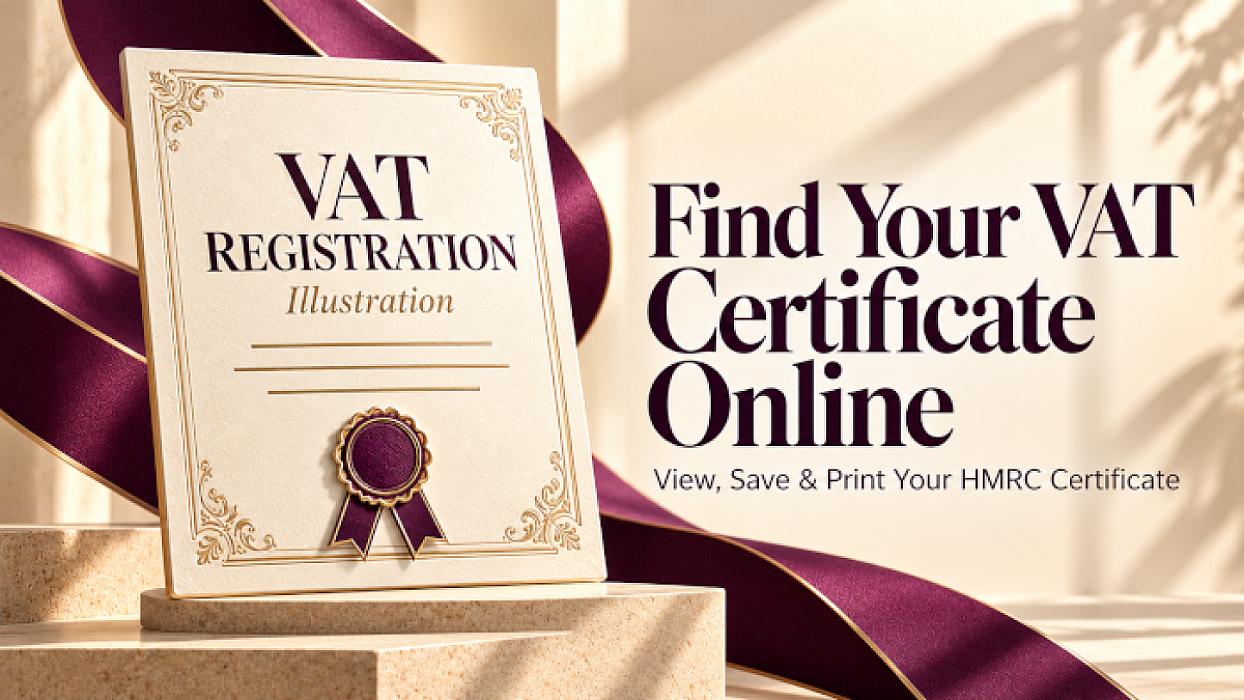
You can access your VAT registration certificate through your HMRC business tax account. Sign in using the details connected to your business’s VAT registration, open the VAT section and look for the certificate option.
Once you have opened the certificate, you can keep a digital copy or print it for your business records.
This guide explains how to find your certificate and what to do if it is missing or shows incorrect information.
What do you need before signing in?
Have the following ready:
-
Your existing HMRC sign-in details.
-
Access to the phone or app you use for security codes.
-
Your VAT registration number, particularly if you need to set up online access.
If you manage several businesses, make sure you use the account connected to the correct VAT registration.
Step 1: Go to the official HMRC VAT sign-in page
Start with Sign in to your VAT online account on GOV.UK.
Use your existing sign-in details. Avoid creating another account simply because you cannot immediately find the certificate.
If you have forgotten your details, follow the recovery instructions on the sign-in screen.
Step 2: Open your VAT account
After signing in, find the VAT section within your business tax account.
Look for an option such as View VAT account and open it.
HMRC sometimes changes its screen layouts and wording, so the link may appear differently. Follow the options relating to your business’s VAT registration.
Step 3: Find your VAT certificate
Within the VAT account, look for an option such as View VAT certificate.
Open the certificate and check that it relates to the correct business.
HMRC has confirmed that businesses can access their online VAT certificate through their business tax account in its guidance response about registration certificates.
Step 4: Save or print your certificate
Use the download or print option if one is available.
Alternatively, open your browser’s print menu. Depending on your device, you can select a printer or choose Save as PDF.
Check the preview before saving or printing to make sure the certificate details are included and readable.
Store your copy securely with your business records, then sign out of your HMRC account.
What if VAT does not appear in your account?
First, check that you have used the correct sign-in details. Your VAT registration may be connected to a different Government Gateway user ID.
If you have received your VAT registration number but have not added online access, follow HMRC’s instructions for setting up a VAT online account.
These explain how to add VAT services through your account.
You do not need to submit another VAT registration application simply to obtain a copy of an existing certificate.
What if the certificate is missing?
If you can open your VAT account but cannot find the certificate:
-
Check for messages or service notices in your account.
-
Confirm that you are viewing the correct business.
-
Contact HMRC’s technical support for VAT online services if the problem continues.
If online access to the certificate is unavailable, ask HMRC about obtaining a replacement. HMRC has confirmed that it can send a certificate by post in these circumstances; check the arrangements for your case.
What if your business details are incorrect?
Contact HMRC or use the appropriate process to update your VAT registration details.
Do not alter the certificate yourself. The underlying HMRC record needs to be corrected.
The process can depend on the information being changed and your business structure. For example, HMRC has explained that some sole-trader name corrections require its assistance.
Frequently asked questions
Where can I find my VAT registration number?
Your VAT registration number appears on your VAT registration certificate. HMRC’s VAT registration number guidance confirms this.
Can I download my VAT certificate as a PDF?
If the service provides a download option, use it. Otherwise, your browser may allow you to save the certificate as a PDF through its print menu.
Do I need a new Government Gateway account?
Use the existing account connected to your VAT registration. If you cannot sign in, try account recovery before creating new details.
Can I submit my quarterly VAT return from the same page?
HMRC states that its VAT online account service cannot be used to submit a quarterly VAT return. Accessing your certificate and filing your return are separate tasks.
Need help with VAT and bookkeeping?
Gondal Accountancy supports businesses with VAT registration, VAT returns, bookkeeping and Making Tax Digital compliance.
If you need help managing your VAT obligations, contact Gondal Accountancy to discuss your business.
Guidance checked on 23 October 2026. HMRC’s screen layouts and wording may change; follow the instructions shown in the official service.
Disclaimer
The content of this blog is provided for general information purposes only and should not be treated as tax, accounting, legal or financial advice. Tax rules, accounting requirements, legislation, regulations and official guidance can be complex and may change over time. As a result, some information in this article may become outdated, incomplete or no longer applicable after the date of publication.
The application of any tax, accounting or legal rule will depend on your individual or business circumstances. Before making any decision or taking any action based on the information in this article, you should seek advice from a suitably qualified tax professional, accountant, solicitor or financial adviser.
Gondal Accountancy and its staff accept no responsibility or liability for any loss, action taken, or decision made or not made as a result of relying on the information contained in this blog.